Photos of clothing that sell, from your phone
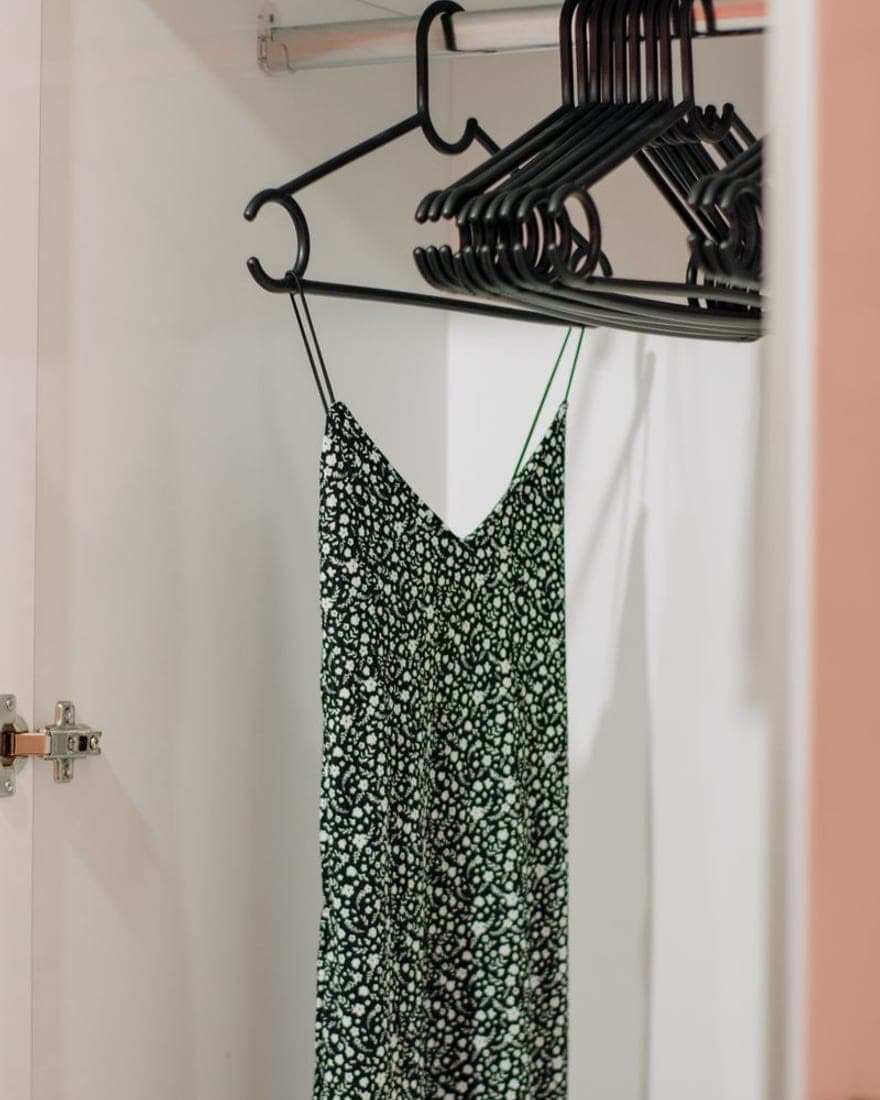
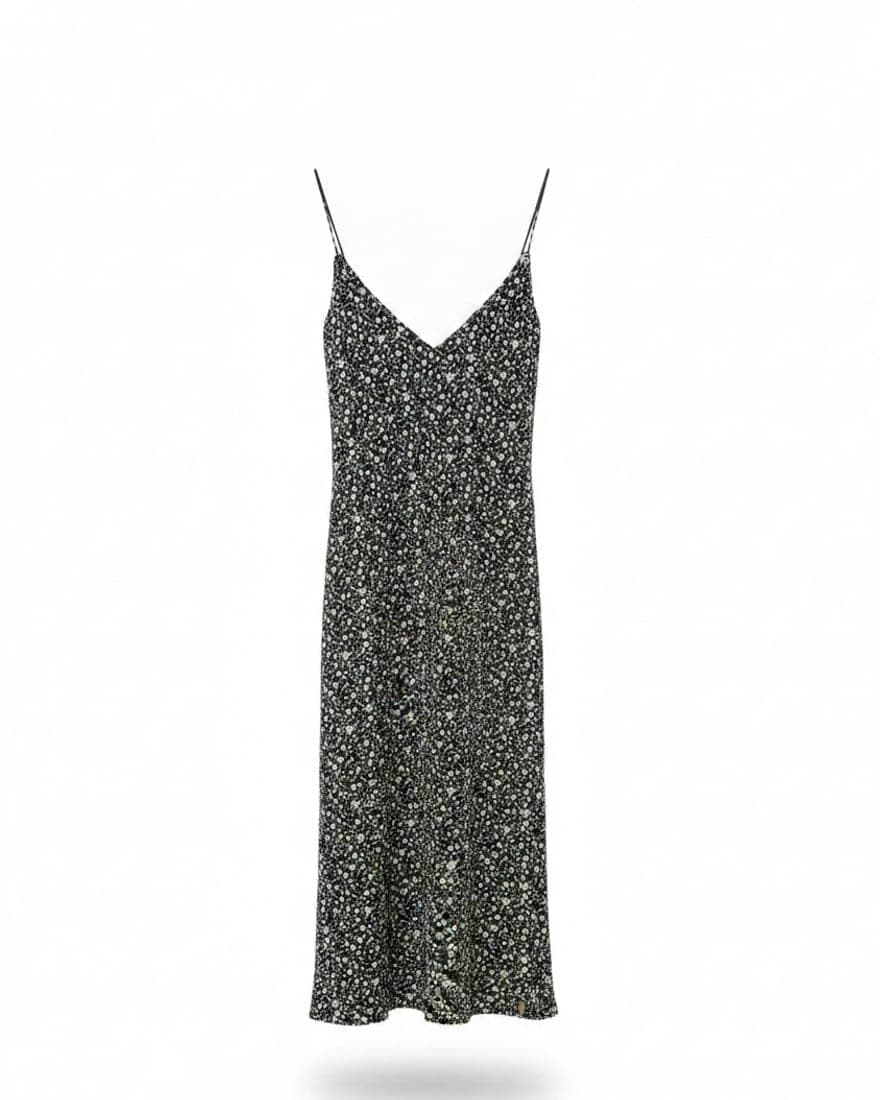
Upload the photo of a garment on a hanger and get the studio shot in four styles, framed for the channel you sell on. The fabric's color stays identical to the real thing — that's the one thing the engine may not change, and every result is checked against your original to prove it.
Two free photos, no account and no card.
How it works
A hanger, a phone and under a minute
- 1
Shoot it on a hanger
Hang the garment against a plain wall near a window and take a photo with your phone. No tripod, no studio light, no model.
- 2
Pick the format and the style
Square for Mercado Libre, 4:5 for the feed, 9:16 for stories, 16:9 for banners. Then pick one of four styles: white background, ghost mannequin, lifestyle setting or on a model.
- 3
Download and publish
In under a minute you have the studio photo. Fabric color and texture are identical to the original: only light, background and framing change.
The rule that isn't negotiable
The garment is never altered
The engine may change light, background and framing. It may not change color, texture or design. In apparel that isn't an aesthetic preference: a photo with shifted color arrives as a return, a complaint and a lost customer.
It also doesn't invent what it can't see. If the framing cuts the hem, it cleans the background and keeps the crop — and tells you it did — instead of fabricating a length the garment doesn't have.
Why we built it this way →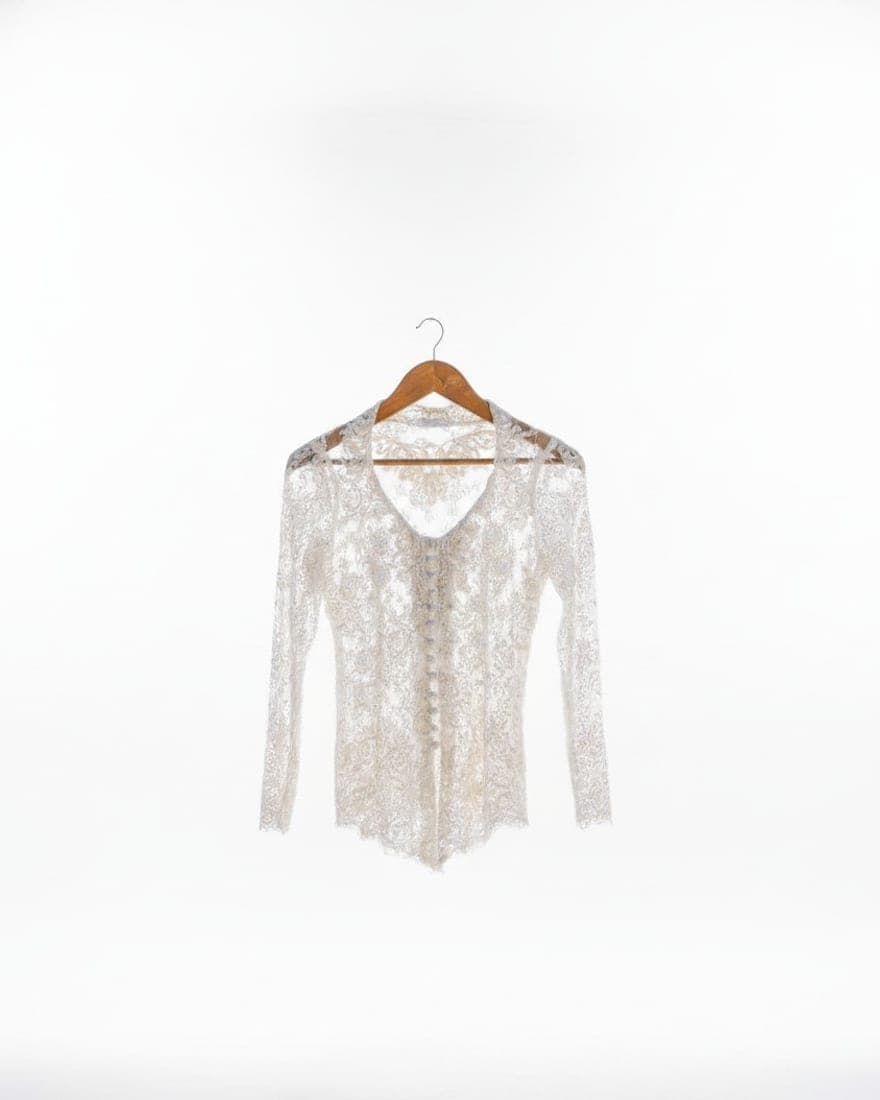
Every format, one upload
One garment, every channel's size
1:1
Mercado Libre, Amazon, eBay, catalog
4:5
Instagram and Facebook feed
9:16
Stories, Reels, TikTok, Shorts
16:9
Website banners and YouTube
Cropping one photo into five sizes leaves the garment tiny in the middle or cut at the edges. Each piece is generated framed for its channel. See the full size table.
Where you sell
What each platform actually requires
Mercado Libre
Square, white background and a 60-character title. What the platform wants, generated for you.
Read more →Instagram
4:5 for the feed, 9:16 for stories and Reels, and the garment on a model with no casting.
Read more →Amazon
Pure white, 85% of the frame and zoom-grade resolution. The strictest requirements of all.
Read more →eBay
Clean background, no frames or text, and 80 title characters to use well.
Read more →Vinted
From a photo on the bed to a studio shot, with the colour verified against your original.
Read more →Depop
Four styles from one photo, so your grid reads like a shop instead of a wardrobe.
Read more →Poshmark
The cover is all most people see. Make it clean, and make the colour real.
Read more →Etsy
An Etsy shop is judged whole. Four styles so every piece speaks the same way.
Read more →
Guides
Everything that decides an online clothing sale
How to photograph clothing with your phone
Window light, a plain wall and the whole garment in frame. The four adjustments that separate a photo that sells from one that doesn't.
How to make a garment video with AI
From a hanger photo to a few-second vertical for Reels, TikTok and Shorts. No camera, no editor, no tripod.
How to build a garment's content, channel by channel
Every channel wants its own size and its own piece. The full map of what each one needs, and how not to build it five times by hand.
What size should clothing photos be
1:1, 4:5, 9:16, 16:9 and each platform's resolution minimums, in a single table.
How to write a garment title and description
Garment + material + detail + size, in that order. And the words that quietly sink your listing.
Comparisons
How it compares, honestly
Each comparison says what the other tool is better at. A comparison where we win at everything convinces nobody, and sending someone to the wrong tool ends in a refund rather than a customer.
PicSell Pro as a Photoroom alternative
A general editor at scale versus an apparel-only engine. When each one wins.
PicSell Pro vs PicCopilot
A multi-category tool for global e-commerce versus a clothing tool for LATAM.
PicSell Pro vs Botika
Two fashion-specific tools solving opposite jobs: dressing a generated model, or leaving the garment exactly as it is.
PicSell Pro vs ZMO.AI
Breadth against depth: a platform that does everything, or a tool that does one thing.
PicSell Pro vs VModel
One wants a mannequin in the input photo; the other forbids it. And the pricing favours different volumes.
The best AI apps for clothing photos
Five tools, what each does well and who it suits. Ours included, with its limits.
Pricing
Try it before deciding
Two photos with no account and no card, watermarked at the edge. Create the free account and those two move over, plus ten more. Paid plans lift the quota and extend file retention from seven days to three months, with local payment methods.
Generate freeFrequently asked questions
Do I need an account to try PicSell Pro?
No. Open the app, upload a photo of a garment and generate two studio photos with no account and no card; they come out with a discreet watermark at the edge. If you then create the free account, those two photos move to it and you get ten more.
Does the garment's color stay true to the real one?
Yes. The engine only modifies light, background and framing: the fabric's color, texture and design stay intact. It's the product's core rule, because a shifted color in a clothing photo ends in a return.
What if the photo doesn't show the whole garment?
Rather than invent the missing part, the system detects that it's a detail shot and cleans the background while keeping the crop, and tells you what it did. Inventing a hem you never saw is exactly what causes a return.
How long does a photo take to generate?
Under a minute per garment under normal conditions. You can follow the progress on screen and cancel or retry if something goes wrong.
How long are my photos kept?
Seven days on the free plan and three months on paid plans. After that they're deleted from storage and from the database. You can download them any time before they expire.
Can I use the photos commercially?
Yes. The photos you generate are yours and you can publish and sell them without restriction. The garment in the photo was already yours; we only changed the light and the background.
Does it work with difficult fabrics like lace or chiffon?
Yes, and it's where the difference against a generic model shows most: the engine is trained on lace, chiffon, satin, mesh and fringe, the fabrics that general models smooth over or invent.
Can I generate the garment worn on a model?
Yes, from the same hanger photo, with no shoot and no casting. The garment keeps its color, texture and design; what's generated is the body wearing it.
Can I pay in local currency?
Yes, with local payment methods and no international card.
What do I do if a result isn't usable?
You can retry the generation from the same photo without re-uploading, or delete the result. If a garment fails consistently, write to us with the photo and we'll look at it.
Turn your next garment into a studio photo
Two free photos, no account and no card.
Generate free